

Teach Digital Safety
Classroom resources, lesson plans, and activities to help students become responsible digital citizens and stay safe online.
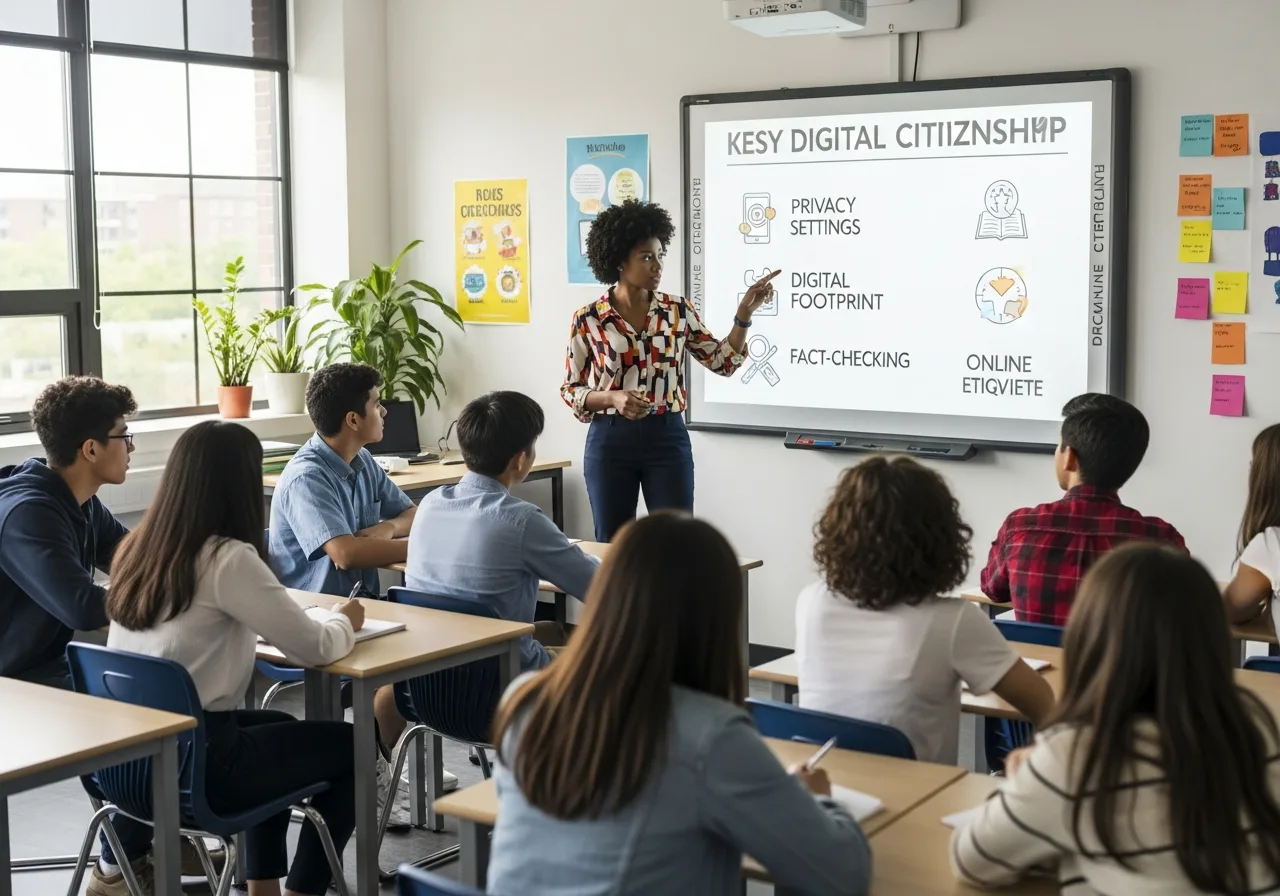
Digital Citizenship Fundamentals
Teach students to be responsible, respectful, and safe online.
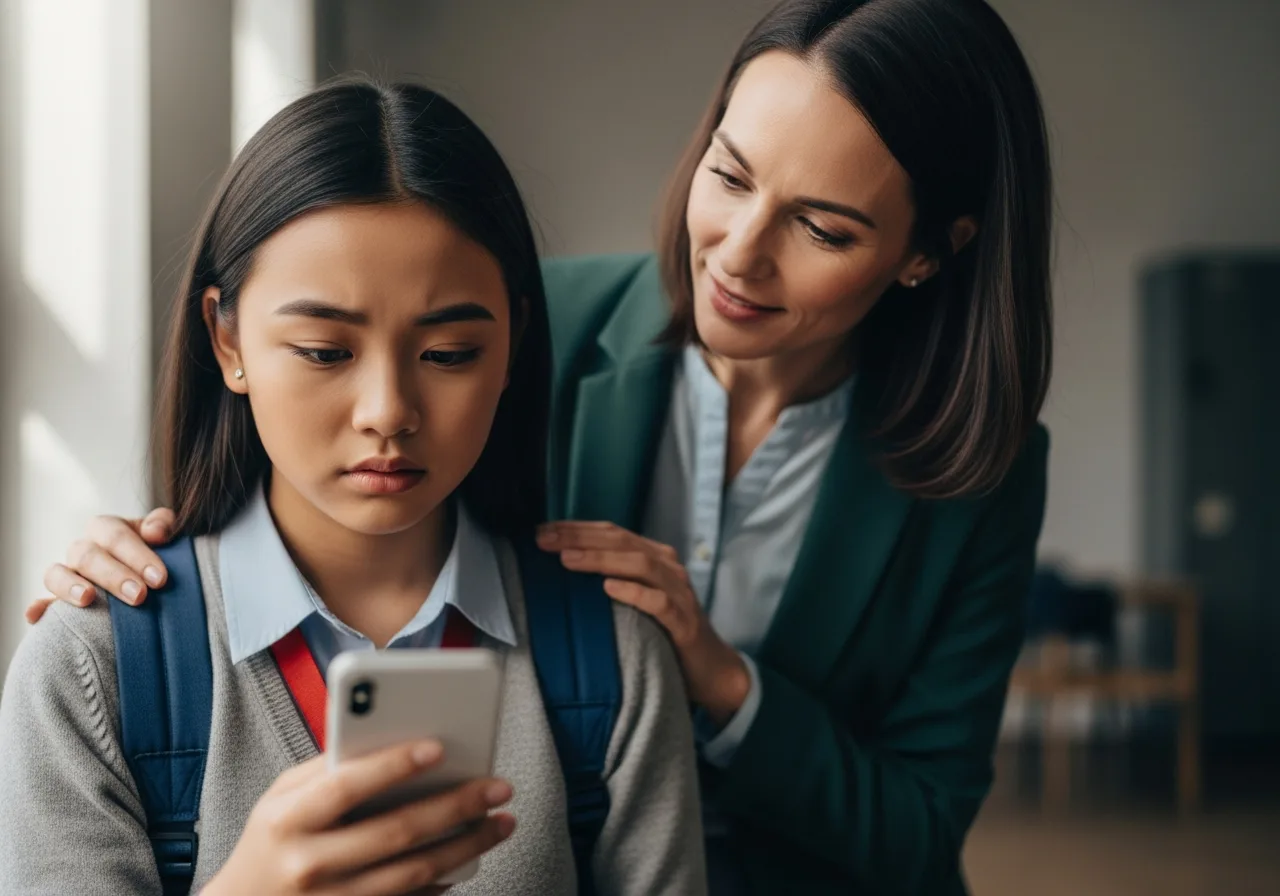
Cyberbullying Prevention
Recognize, prevent, and respond to online harassment.

Privacy and Security Basics
Help students protect their personal information online.
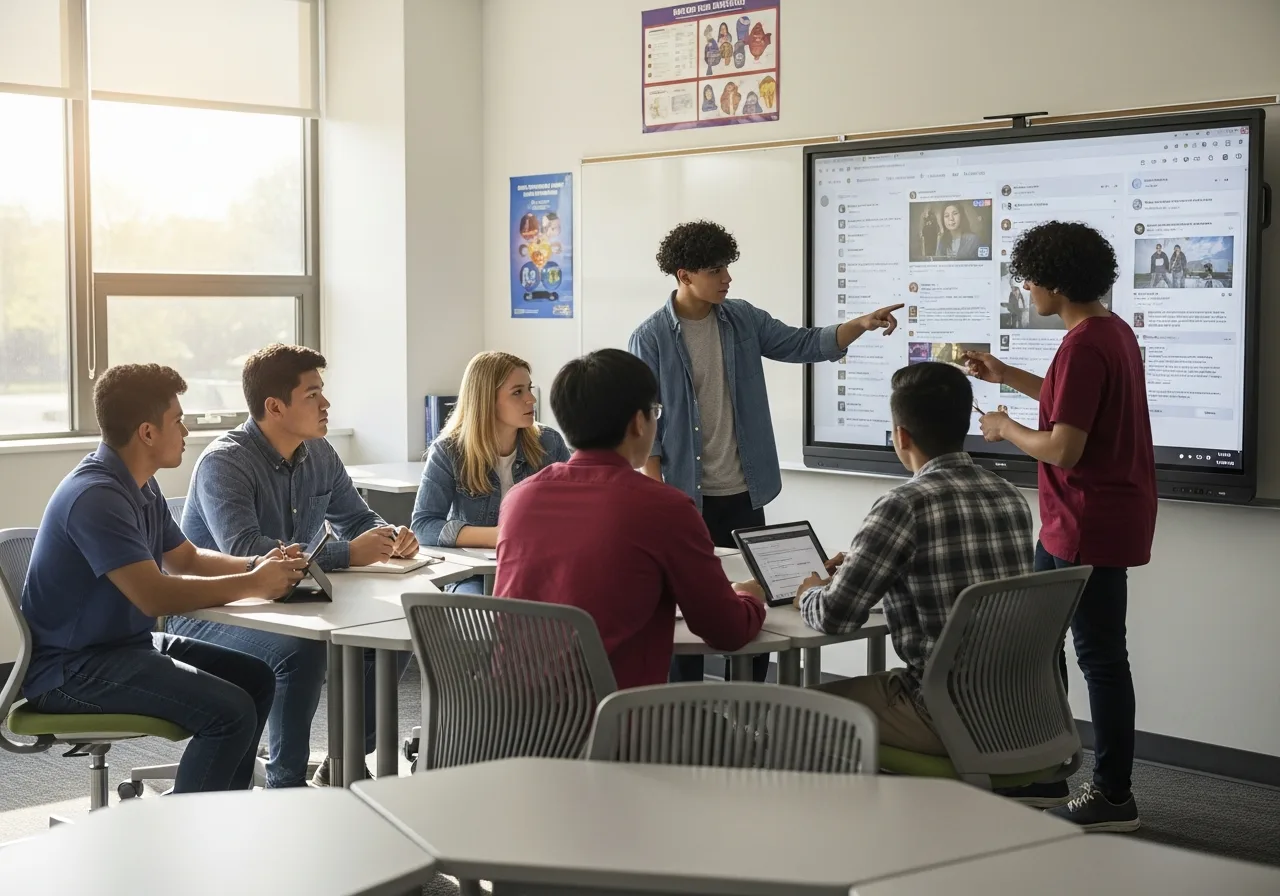
Media Literacy and Misinformation
Develop critical thinking skills for evaluating online content.

Responsible Gaming and Screen Time
Address gaming safety, balance, and healthy digital habits.
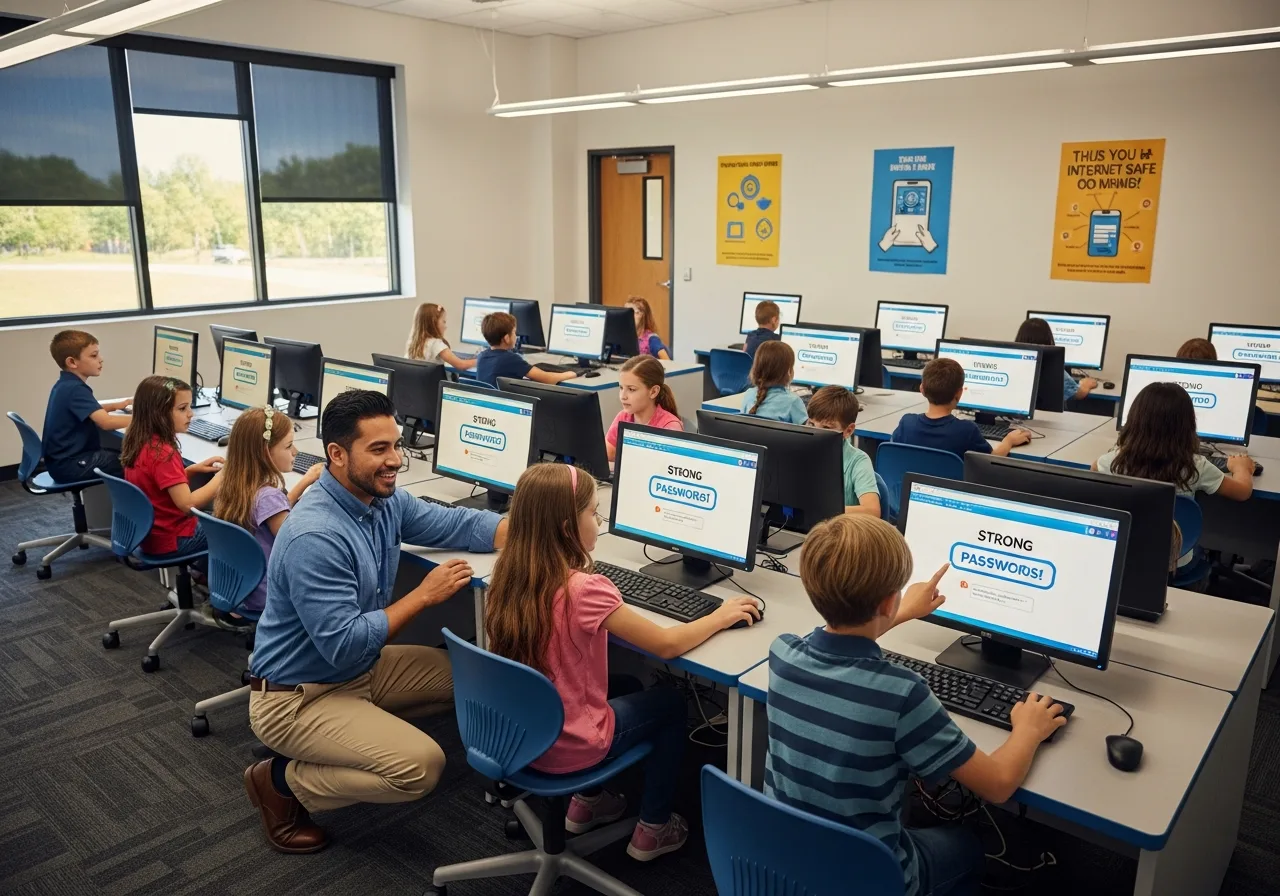
School Technology Policies
Best practices for protecting school networks and data.
Kids Digital Safety Hub
Interactive lessons designed for students ages 8 to 16. Use these self-guided modules as supplementary learning materials.
Featured Lesson Plans
Three classroom-ready lessons aligned to ISTE Standards for Students 2 (Digital Citizen). Each includes objectives, materials, a 45-minute flow, and an assessment idea.
Objective
Students will define digital citizenship and identify three responsible online behaviors.
Materials
Chart paper, markers, printed scenario cards (provided), one device per pair (optional).
Lesson Flow
- Hook (5 min): Share a short story of a kind comment versus an unkind one online and ask which made the day better.
- Direct teach (10 min): Define digital citizenship with three pillars: respect, responsibility, safety.
- Practice (20 min): In pairs, students sort 12 scenario cards into the three pillars and pick one card to act out.
- Reflect (10 min): Each student writes one promise they'll keep online this week and posts it on a class chart.
Assessment
Exit ticket: 'Name one thing a good digital citizen does and one thing they avoid'.
Discussion Questions
- What does it feel like to read an unkind comment online? How is that different from hearing it in person?
- If a friend posts something embarrassing about another student, what is a kind way to respond?
- Why is it important to ask permission before sharing a photo or video of someone else?
Aligned to: ISTE Standards for Students 2: Digital Citizen
Objective
Students will create a 14-character passphrase, explain why reusing passwords is risky, and turn on multi-factor authentication on a sample account.
Materials
Projector, sample 'data breach' headlines, paper, optional sandbox account for MFA demo.
Lesson Flow
- Hook (5 min): Show a real news headline about a major breach. Ask: 'If this site was breached and you used the same password elsewhere, what could happen?'
- Direct teach (10 min): Demonstrate the four-random-words passphrase technique and the math of long versus complex passwords.
- Practice (20 min): Each student drafts their own passphrase (not a real one they'll use) and tests it on a public strength meter. Then walks through enabling MFA on a teacher-provided demo account.
- Reflect (10 min): Class discussion: which of your real accounts most need MFA tonight, and why?
Assessment
Short response: 'Explain why a 14-character passphrase made of common words is stronger than P@ssw0rd!'
Discussion Questions
- If a website you use is breached, what is the first account you would change a password on, and why?
- Why might someone reuse passwords even though they know it's risky? What would make MFA easier to adopt?
- Which is more important to protect: your email account or your social media account? Defend your choice.
Aligned to: ISTE Standards for Students 2: Digital Citizen
Objective
Students will identify five phishing red flags, explain how AI-generated content makes detection harder, and apply a verification checklist to three real-world examples.
Materials
Projector, printed handouts of five phishing emails (sanitized), the SIFT method one-pager.
Lesson Flow
- Hook (5 min): Show two emails side by side, one real and one phishing. Vote anonymously which is which, then reveal.
- Direct teach (10 min): The five red flags (urgency, mismatched sender, unusual link, request for credentials or money, generic greeting) plus the SIFT method (Stop, Investigate the source, Find better coverage, Trace claims).
- Practice (20 min): In small groups, students apply the checklist to three live examples and rate confidence.
- Reflect (10 min): Each student writes the rule they'll teach a family member tonight.
Assessment
Performance task: students score a fourth example on the checklist and justify their rating in 3 sentences.
Discussion Questions
- How does AI-generated text and imagery change the way you evaluate whether a message or article is real?
- Have you ever almost fallen for a phishing message? What red flag did you eventually notice?
- Whose responsibility is it to slow the spread of misinformation: platforms, governments, or individuals? Defend your view.
Aligned to: ISTE Standards for Students 2: Digital Citizen
Our materials are designed to be used without student accounts
All lesson plans, activities, and printable handouts on this site can be downloaded and used offline. No login is required for any student-facing content. Students do not need to create accounts on getcyberright.com to participate in any of our lessons.
COPPA (Children's Online Privacy Protection Act)
Because we do not collect personal information from children under 13 through our website, COPPA verifiable parental consent is not triggered by classroom use of our printable resources. If you embed any third-party tool referenced in our lessons, follow that vendor's COPPA process separately.
FERPA (Family Educational Rights and Privacy Act)
We are not a school official under FERPA and we do not receive student education records. Teachers retain full control of any student work generated during our lessons. Do not submit student names, IDs, or work samples through our contact forms.
What we collect from educators
When an educator submits a presentation request or contact form, we store the educator's name, email, and message so we can respond. We do not sell or share that information. Adult contact data is retained for 24 months and then deleted.
Questions or formal review
District administrators reviewing our resources for board approval can email [email protected]. We are happy to provide a one-page privacy summary on letterhead.
Integrate Into Your Curriculum
These resources are designed to be flexible. Adapt activities to fit your classroom needs and students' developmental levels.