
Kids Digital Safety Hub
Fun, interactive lessons to help young people stay safe online. Pick a topic, then choose your age.
The internet is different now. Here is what to do.
Computers can now make fake voices, fake photos, and chat like a real person. That sounds scary, but knowing how the tricks work makes them way easier to spot. This hub has lessons, games, and quizzes built around five big ideas, so you learn the why and not just the rules.
Read the anchor article: The New RealityYour Progress
0 of 6 lessons completed
Safety Tip #1
Set all your social media accounts to private by default
The internet you use is different from the one your parents grew up with
Computers can now copy voices, make fake photos, and chat like a real person. That means some old safety rules do not work the same way anymore. Start here so the lessons in this hub make sense.
Want to read more (with a parent)?
- We do not ask kids to make an account to use any lesson on this site.
- We do not collect names, emails, photos, or schoolwork from kids.
- We do not show ads on this site, and we never sell anyone's information.
- If a quiz keeps your score, it stays on your device only. We don't see it.
- If you ever feel unsafe online, tell a trusted adult right away. You won't be in trouble for asking for help.
No student accounts. Every lesson on this page is viewable without signing in. Students never need to create an account on getcyberright.com to participate.
No personal data collected from students. We do not knowingly collect personal information from children under 13. COPPA verifiable parental consent is therefore not triggered by classroom use of these materials.
No FERPA records received. We are not a school official under FERPA. We do not receive student grades, schedules, or other education records.
Local-only progress. Quiz results and progress (if any) are stored in the student's browser using local storage and are never transmitted to our servers.
Questions or formal review. District administrators can email [email protected] for a one-page privacy summary on letterhead.
Partnering with You for Online Safety
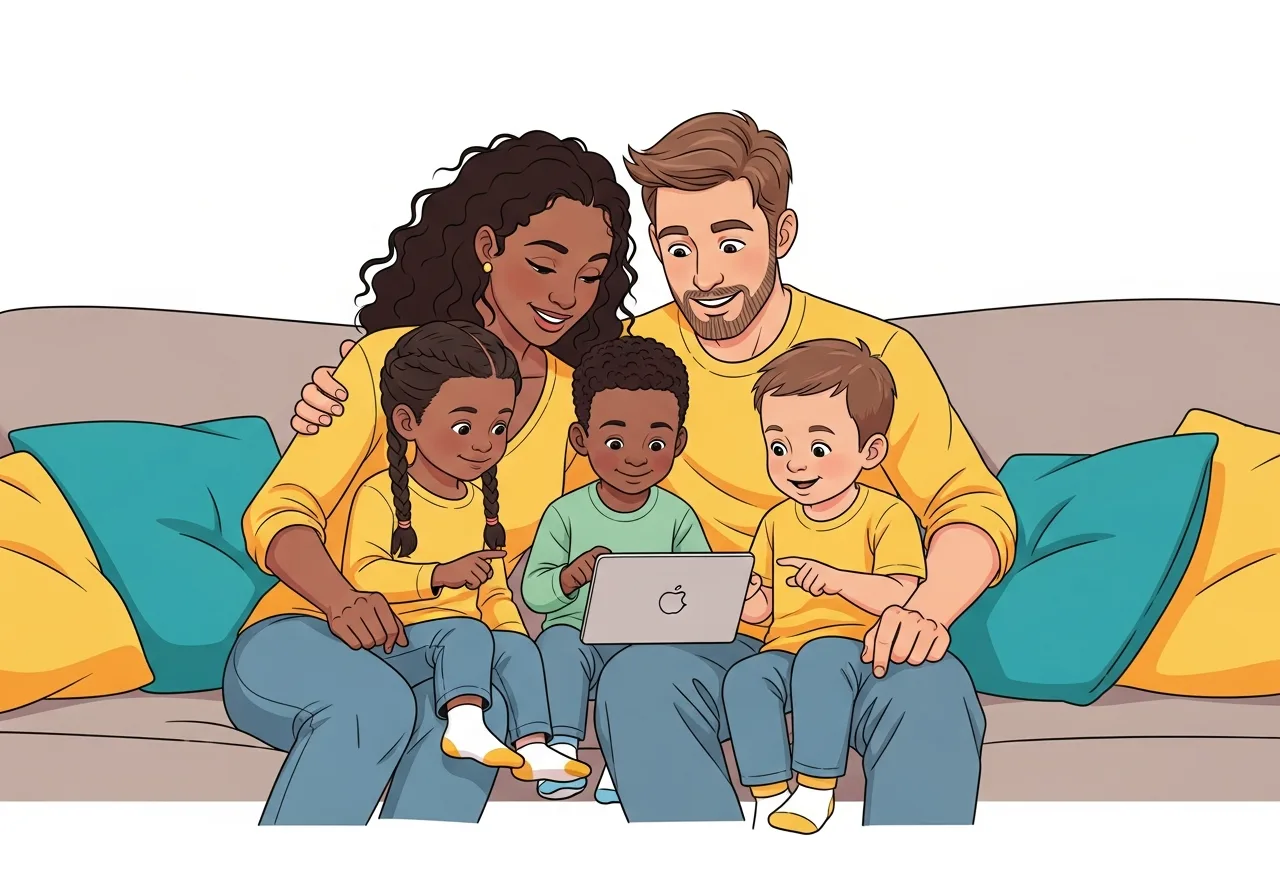
This section is designed to be used together or independently. Here is everything you need to know about what your children will learn.
Ages 6 to 10 (Foundations)
- Understanding personal information and privacy
- Creating and managing strong passwords
- Recognizing online tricks and scams
- Basic device safety practices
- When and how to ask trusted adults for help
- How the internet works and internet basics
Ages 11 to 13 (Smart and Safe)
- Safe social media practices and privacy settings
- Understanding and responding to cyberbullying
- Gaming safety and protecting online identity
- Identifying phishing messages and scam tactics
- Building a positive digital footprint
- Privacy settings mastery and app permissions
Ages 14 to 16 (Cyber Champion)
- Advanced privacy controls and encryption
- Recognizing social engineering attacks
- Digital wellness and healthy tech habits
- Online identity and deepfake awareness
- Financial safety and investment scam prevention
- Critical thinking and misinformation detection
Sit together: Go through lessons as a team activity. This opens natural conversations about online experiences.
Play the games: The Spot the Scam game and Story Scenarios are designed for families. Take turns and discuss why each answer is correct.
Test passwords together: Use the Password Builder to practice creating strong passwords as a family exercise.
Celebrate progress: When your child completes a lesson or quiz, acknowledge their achievement. Building good habits deserves recognition.
Keep the dialogue open: Use the conversation starters below to continue discussions beyond the lessons.
What would you do if someone online asked for your password?
Have you ever seen something online that made you uncomfortable?
Do you know who to tell if someone is being mean to you online?
What information is okay to share online and what should stay private?
Have you ever gotten a message that seemed too good to be true?
Our Promise to You
We keep you safe while you learn and have fun.
Child Privacy First
We do not collect any personal information from children. No accounts required, no profiles, no ads.
No External Links
All learning happens on this page. Children are never directed to external websites.
Child Safety First
Content is designed to empower, not frighten. We use positive, encouraging language throughout.