

Canadian Man Accused of Targeting Schools with Malware: What Parents Should Know
A cyberattack on American schools involved malware and stolen login credentials. If your child attends a school that uses online systems, here's what to watch for.
Source
DataBreaches.net
Original headline: Saskatoon man facing extradition for cyberattacks on American institutions
Plain-English summary by GetCyberRight. Read the full report at the source above.
A man from Saskatoon, Canada is facing extradition to the United States over allegations that he installed malware on computer systems at American educational institutions. According to court documents, Ryan James Roach allegedly conspired to steal login credentials and use school computer systems to mine cryptocurrency. He has been ordered into custody while awaiting the extradiction process. This case affects families whose children attend American schools that may have been targeted. If malware was installed on school systems, student and parent login credentials could have been stolen.
This means passwords used to access grades, attendance records, or parent portals may have been compromised. Additionally, if school computers were slowed down or acting strangely, it may have been because they were secretly being used to mine cryptocurrency.
Stay one step ahead of scammers
Weekly cybersecurity briefings for families. No spam, just the threats that matter and what to do about them.
Here is what you should do right now. First, contact your child's school and ask if they were affected by any cyberattacks or unusual computer activity. Second, change the password for any school portals or educational websites you or your child use. Choose a strong, unique password that you do not use anywhere else. Third, enable two-factor authentication on any school accounts that offer it. This adds an extra layer of security beyond just a password. Fourth, watch for suspicious emails claiming to be from your school asking you to click links or provide information. To stay protected long term, teach your children never to share login credentials with friends. Use a password manager to create and store unique passwords for every website. Review your school accounts regularly for any activity you do not recognize.
Remember that schools should never ask for passwords via email or text message.
Curated from trusted cybersecurity sources by GetCyberRight
Source: DataBreaches.netStay ahead of cyber threats
Get our free weekly digest. Real threats, plain language, what to do about them. No spam, ever.
More articles

Spotify's Hidden Scam: Fake Podcasts That Push Illegal Drugs
Congressional report reveals thousands of fake Spotify podcasts designed to trick listeners and promote illegal pharmacy sites through manipulated search results.
3 min readScammers Used Fake Spotify Podcasts to Game Google Search Results
Tens of thousands of fake podcasts flooded Spotify to manipulate search rankings and lead people to illegal pharmacy sites. Here's what families need to know.
3 min read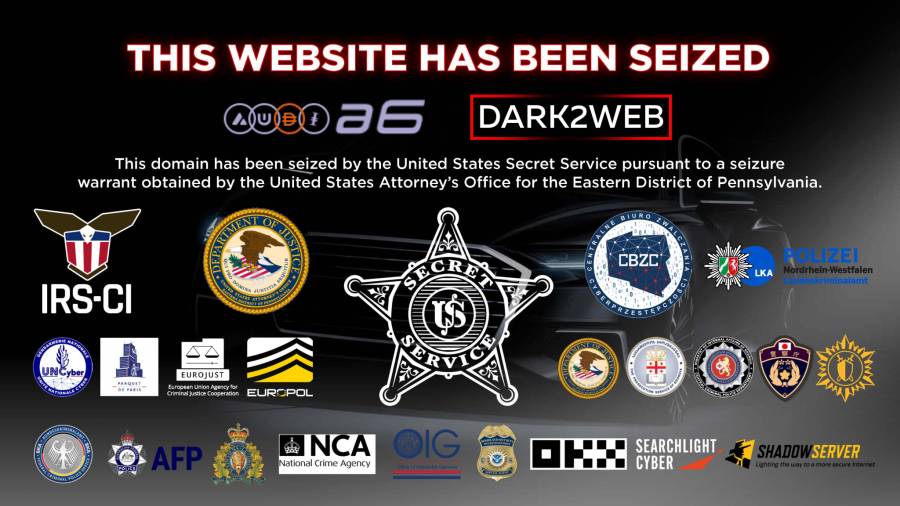
Police Shut Down Major Criminal Money Laundering Service: Why This Makes You Safer
International law enforcement closed a service that helped ransomware criminals hide stolen money. This disrupts cybercriminals who lock people out of their computers and demand payment.
2 min readPolice Shut Down Major Money Laundering Service Used by Ransomware Criminals
Law enforcement closed a service that helped criminals wash stolen money. This is good news for everyone because it makes cybercrime harder to profit from.
2 min read