

Canadian Man Charged in University Data Theft: What Students and Parents Should Know
A Saskatoon man allegedly installed malicious software at American schools to steal login information. If your family uses U.S. educational institutions, check your accounts.
Source
DataBreaches.net
Original headline: Saskatoon man facing extradition for cyberattacks on American institutions
Plain-English summary by GetCyberRight. Read the full report at the source above.
A man from Saskatoon, Canada is facing extradition to the United States for allegedly attacking American educational institutions with malware. Ryan James Roach is accused of conspiring to steal login credentials and install software that would secretly mine cryptocurrency using school computer systems. He was ordered into custody in Saskatoon Court of King's Bench to await transfer to U.S. authorities. This case affects students, parents, and staff at American educational institutions that may have been targeted. If you or your children attend a U.S. college or university, your login credentials for school portals, email systems, or online learning platforms may have been compromised. The stolen information could include usernames, passwords, and potentially other personal data stored in school systems.
Here is what you should do right now if you have connections to U.S. educational institutions:
- Change your password for all school-related accounts immediately, including student portals, email, and learning management systems.
- Enable two-factor authentication on every school account that offers it. This adds an extra security step beyond just a password.
- Check your school email and official communications for any alerts about this incident or other security breaches.
- Watch your email and text messages closely for phishing attempts. Criminals often use stolen school data to send convincing fake messages.
- If you use the same password for school accounts and other websites, change those passwords too. To protect your family long term, never reuse passwords across different websites or services. Consider using a password manager to create and store unique, strong passwords for each account. Teach your children to be suspicious of unexpected emails or messages asking them to click links or provide information, even if they appear to come from their school. Make it a habit to review account settings and security options at the start of each school year.
Curated from trusted cybersecurity sources by GetCyberRight
Source: DataBreaches.netStay ahead of cyber threats
Get our free weekly digest. Real threats, plain language, what to do about them. No spam, ever.
More articles

New Ransomware Spreads Like Wildfire Across Home Networks
The Gentlemen ransomware can jump between devices on its own, meaning one infected computer could threaten your entire household.
4 min read
Spotify's Hidden Scam: Fake Podcasts That Push Illegal Drugs
Congressional report reveals thousands of fake Spotify podcasts designed to trick listeners and promote illegal pharmacy sites through manipulated search results.
3 min readScammers Used Fake Spotify Podcasts to Game Google Search Results
Tens of thousands of fake podcasts flooded Spotify to manipulate search rankings and lead people to illegal pharmacy sites. Here's what families need to know.
3 min read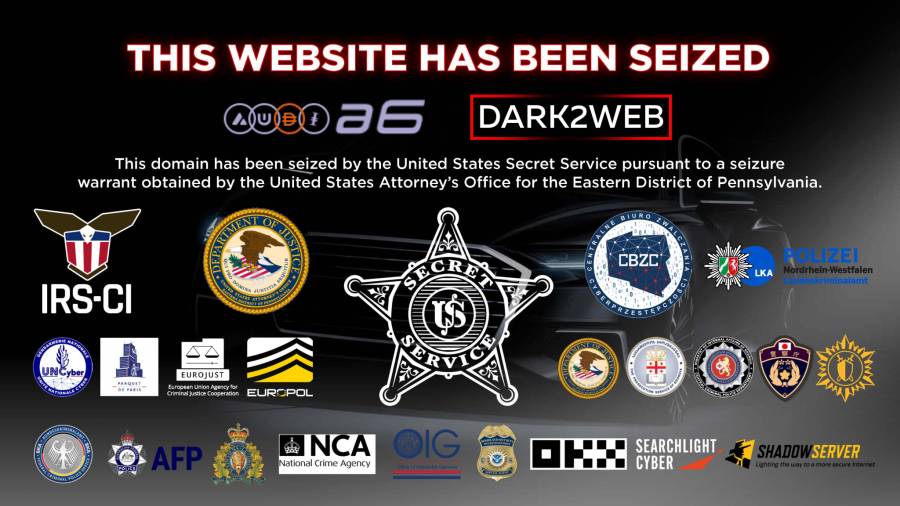
Police Shut Down Major Criminal Money Laundering Service: Why This Makes You Safer
International law enforcement closed a service that helped ransomware criminals hide stolen money. This disrupts cybercriminals who lock people out of their computers and demand payment.
2 min read