

Cybercriminals Are Using More Professional Tools. Here's How to Protect Your Family
Attack tools are becoming easier to use and more polished, making it simpler for criminals to target regular people and families.
Source
The Hacker News
Original headline: ThreatsDay Bulletin: Worm Code Leaked, AI Agent Phished, Claude Action Patch + 28 New Stories
Plain-English summary by GetCyberRight. Read the full report at the source above.
Security researchers have noticed a troubling shift in how cybercriminals operate. Attack tools that used to require technical expertise are now packaged like regular software subscriptions, some costing thousands of dollars per month. These tools can clone your web browser and steal passwords. Even artificial intelligence systems designed to help people are being tricked into giving up login credentials. What makes this concerning is how professional and easy to use these criminal tools have become. This affects everyone who uses the internet. When criminal tools become easier to use, more criminals can launch attacks. The research mentioned a specific type of malicious software that costs $5,000 per month and can copy your entire browser, potentially stealing any passwords or personal information you have saved there. These are not hypothetical threats anymore. They are tools being actively sold and used.
Here is what you should do right now to protect yourself and your family:
- Stop saving passwords in your web browser. Use a dedicated password manager instead, like Bitwarden, 1Password, or Dashlane.
- Enable two-factor authentication on all important accounts, especially email, banking, and social media. Use an authenticator app rather than text messages when possible.
- Never click links in unexpected emails or messages, even if they look legitimate. Go directly to websites by typing the address yourself.
- Review what information your browsers and apps have saved. Clear out old saved passwords and payment methods you no longer need. The best long-term protection is building good habits. Treat your passwords like your house keys. You would not leave keys under the doormat, so do not leave passwords saved in easily accessible places. Have regular family conversations about online safety, especially with kids and teens who may not realize how sophisticated these threats have become. Consider setting up a password manager for your whole family and making it a household rule to use it for all accounts.
Curated from trusted cybersecurity sources by GetCyberRight
Source: The Hacker NewsStay ahead of cyber threats
Get our free weekly digest. Real threats, plain language, what to do about them. No spam, ever.
More articles

Spotify's Hidden Scam: Fake Podcasts That Push Illegal Drugs
Congressional report reveals thousands of fake Spotify podcasts designed to trick listeners and promote illegal pharmacy sites through manipulated search results.
3 min readScammers Used Fake Spotify Podcasts to Game Google Search Results
Tens of thousands of fake podcasts flooded Spotify to manipulate search rankings and lead people to illegal pharmacy sites. Here's what families need to know.
3 min read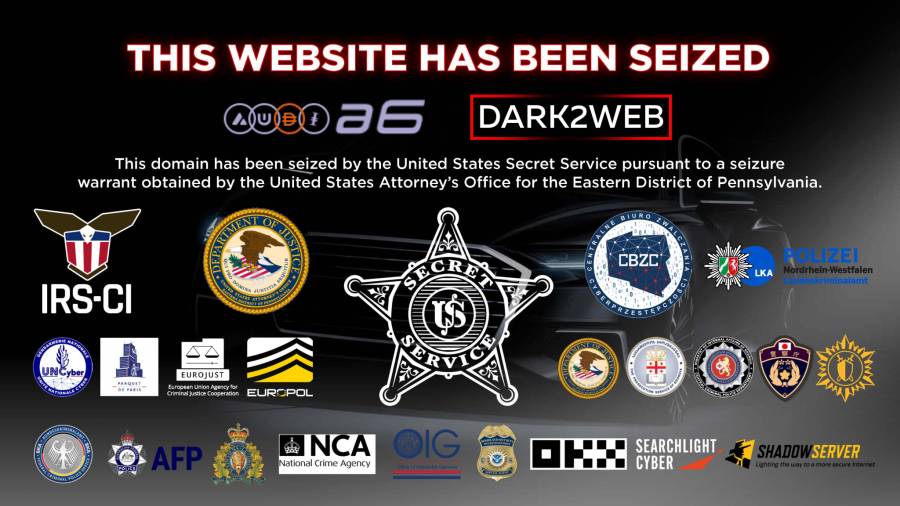
Police Shut Down Major Criminal Money Laundering Service: Why This Makes You Safer
International law enforcement closed a service that helped ransomware criminals hide stolen money. This disrupts cybercriminals who lock people out of their computers and demand payment.
2 min readPolice Shut Down Major Money Laundering Service Used by Ransomware Criminals
Law enforcement closed a service that helped criminals wash stolen money. This is good news for everyone because it makes cybercrime harder to profit from.
2 min read