
Government Considering New Protections for Data Centers That Store Your Information
Congress is discussing whether to give data centers special protection status, which could mean better security for the online services families use every day.
Source
CyberScoop
Original headline: Congress, industry ponder government posture for protecting data centers
Plain-English summary by GetCyberRight. Read the full report at the source above.
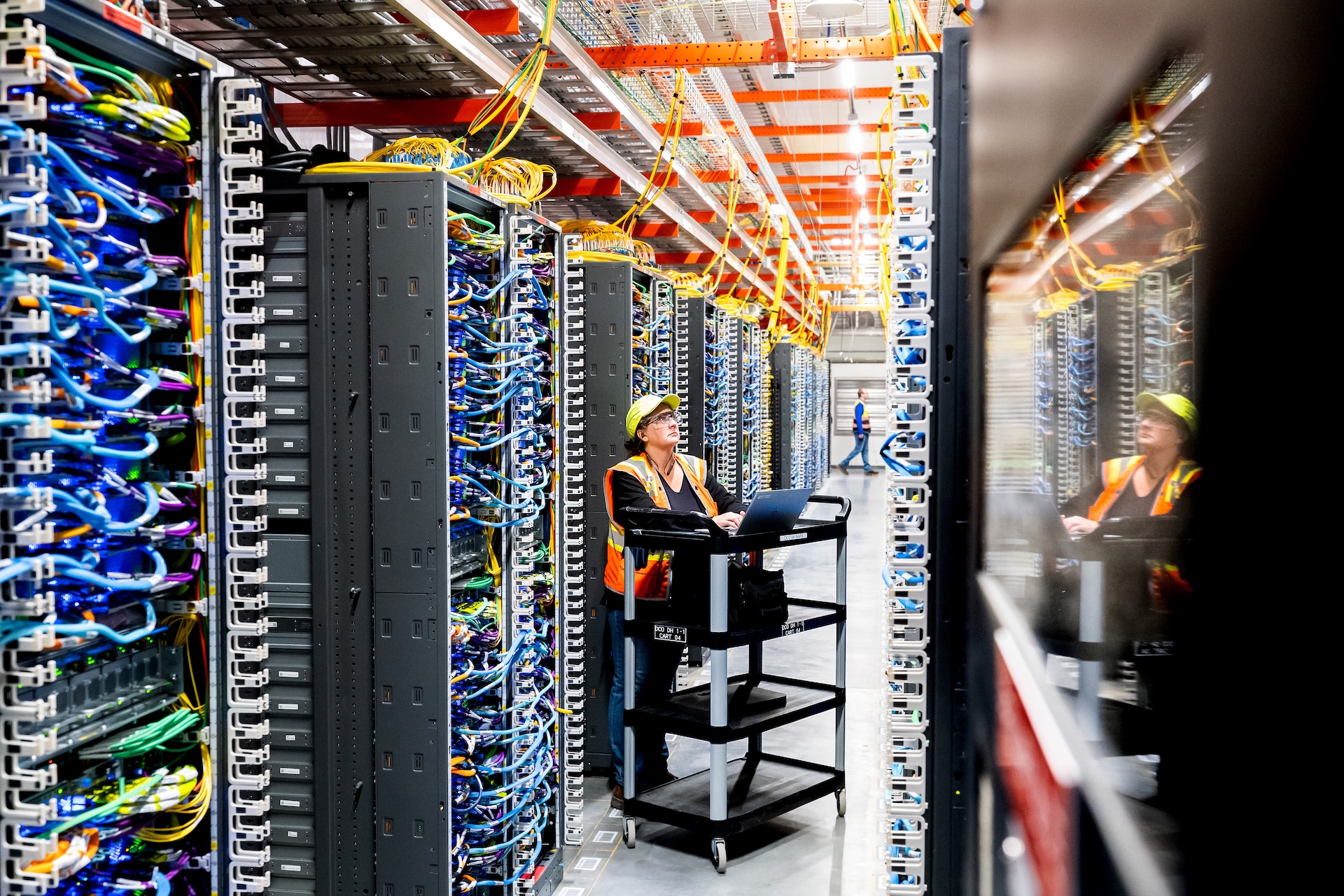
The House Homeland Security panel held a hearing to discuss whether data centers should be designated as their own critical infrastructure sector. Data centers are the massive buildings full of computers that store and process information for the websites, apps, and online services we all use.
Congress and industry representatives are weighing whether these facilities need special government protection and oversight. This matters to every family that uses the internet. Data centers store your photos in cloud storage, process your online banking transactions, hold your email messages, run your children's school systems, and power the apps on your phone.
If these facilities are not properly protected, your personal information could be at risk. Better protection for data centers could mean better security for all the online services your family relies on daily. You do not need to take any immediate action based on this news.
This is a policy discussion happening at the government level. However, it is a good reminder to think about where your family's data is stored. Take this opportunity to review what information you have in the cloud and with online services. Make sure you are using strong, unique passwords for important accounts.
Stay one step ahead of scammers
Weekly cybersecurity briefings for families. No spam, just the threats that matter and what to do about them.
Enable two factor authentication on services that store sensitive information like photos, financial data, or personal documents. Stay informed about how companies protect your data long term. When choosing online services for your family, look for providers that take security seriously.
Read privacy policies, at least the key points, before signing up for new services. Teach your children that their information lives in real buildings called data centers, not just floating in a cloud. Understanding that their data has a physical location helps them make smarter choices about what to share online.
Keep backups of truly important information, like family photos, in multiple places so you are not completely dependent on one service or data center.
Curated from trusted cybersecurity sources by GetCyberRight
Source: CyberScoopStay ahead of cyber threats
Get our free weekly digest. Real threats, plain language, what to do about them. No spam, ever.
More articles

Fake IT Emails Are Tricking Workers Into Installing Hacking Tools
A phishing campaign called VENOMOUS#HELPER has compromised 80+ organizations by impersonating IT staff and tricking employees into installing remote access software.
3 min readPhishing Attack Uses Trusted Remote Access Tools to Hit 80+ Organizations
A sophisticated phishing campaign is tricking employees into installing legitimate remote access software, giving attackers complete control over business systems.
3 min read
ChatGPT's New Security Features Won't Turn On By Themselves
OpenAI added four security settings to ChatGPT, but they're opt-in only. Here's why you should enable them today and how to do it in 90 seconds.
3 min readChatGPT's New Security Features Are Hidden (Here's How to Turn Them On)
OpenAI added important security settings to ChatGPT, but they're turned off by default. Most families using the tool won't even know they exist.
3 min read