
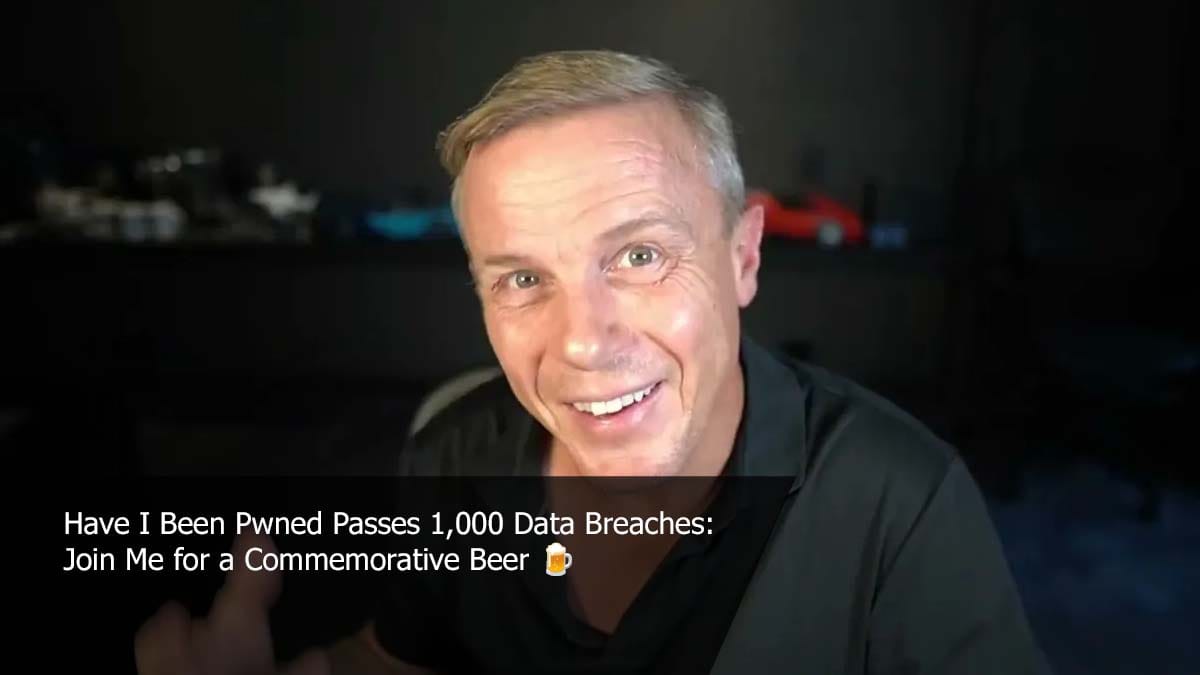
Have I Been Pwned Hits 1,000 Breaches: What Families Need to Know
The breach tracking service just catalogued its 1,000th data breach. Here's why checking your exposure should be as routine as checking your credit score.
Source
GetCyberRight Intelligence
Original headline: HIBP Hits 1,000 Breaches - Why You Should Check Now
Plain-English summary by GetCyberRight. Read the full report at the source above.
Why This Milestone Matters
Have I Been Pwned, the internet's most trusted breach notification service, just reached a sobering milestone: 1,000 data breaches catalogued. That represents billions of email addresses, passwords, and personal details now circulating in databases that hackers buy, sell, and trade. For families trying to stay safe online, this number isn't just a statistic. It's a wake-up call.
The Details: What 1,000 Breaches Really Means
Every time a company gets hacked and customer data gets stolen, that's a breach. These aren't small incidents. They range from major retailers to dating sites, fitness apps to financial services. Each breach exposes anywhere from thousands to hundreds of millions of accounts.
Here's the problem most families don't realize: companies often take months (or years) to notify customers about breaches. Some never send notifications at all. You might have accounts in five, ten, or twenty breaches and simply not know it yet.
Once your email and password combination gets exposed in a breach, cybercriminals add it to massive lists. They use automated tools to test those credentials across hundreds of other websites. This is called credential stuffing. If you reuse passwords (most people do), one breach can unlock multiple accounts across different services.
Who Is Affected
The short answer: nearly everyone with an online presence. If you've created accounts over the past decade for shopping, social media, banking, entertainment, or work, there's a strong chance you've been in at least one breach.
Families face unique risks because parents often manage accounts for multiple people. Kids' gaming accounts, streaming services shared across devices, school portals, and family email addresses all create potential exposure points. Seniors who may not follow tech news closely are particularly vulnerable because they're less likely to hear about breaches affecting services they use.
What You Should Do Right Now
1. Check every email address your family uses. Go to haveibeenpwned.com and enter each email address. This includes old addresses you might have abandoned. Those old accounts still exist and can be entry points for hackers.
Stay one step ahead of scammers
Weekly cybersecurity briefings for families. No spam, just the threats that matter and what to do about them.
2. For any breached accounts, change those passwords immediately. Don't just change them slightly. Create completely new, unique passwords. Each account needs its own password.
3. Turn on two-factor authentication everywhere it's offered. This adds a second security layer beyond passwords. Even if your password gets exposed in a breach, two-factor authentication blocks unauthorized access.
4. Use a password manager. Stop trying to remember dozens of unique passwords. Password managers generate strong passwords and remember them for you. Many have free family plans.
5. Set a calendar reminder to check again in three months. New breaches happen constantly. Make breach checking a regular habit, like reviewing bank statements.
The Bigger Picture
Reaching 1,000 catalogued breaches isn't the end. It's just what we know about. Breaches will keep happening as long as companies store customer data. What matters is how quickly you respond when your information gets exposed. The families who stay safest online aren't the ones who never get caught in breaches. They're the ones who find out quickly and take action before criminals can exploit the exposed data.
How GetCyberRight Can Help
GetCyberRight's Breach Monitor takes this protection further for families. Instead of checking email addresses one at a time, our tool monitors all your family's addresses continuously. When new breaches appear, you get immediate alerts with specific guidance on which accounts to secure and exactly what steps to take. It's designed for busy parents who need clear answers, not technical confusion.
Curated from trusted cybersecurity sources by GetCyberRight
Source: GetCyberRight IntelligenceStay ahead of cyber threats
Get our free weekly digest. Real threats, plain language, what to do about them. No spam, ever.
More articles

1 Million Free Cybersecurity Certifications Now Available for Career Changers
ISC2 is offering one million free industry certifications designed for people with no tech background. This could open new career paths for your family.
3 min readISC2 Offers 1 Million Free Cybersecurity Certifications Through 2027
A major cybersecurity organization is giving away professional certifications for free, creating an unprecedented opportunity for families to gain career skills and security knowledge.
3 min readFree Professional Cybersecurity Certification Now Available to Everyone
ISC2 is offering free training and certification to help build the cybersecurity workforce. No experience needed, and it could launch a new career.
4 min readFree Professional Cybersecurity Certification: A Real Career Opportunity
ISC2 is offering one million free professional cybersecurity certifications. This program gives families both protection knowledge and a pathway to well-paying careers.
3 min read