

How Hackers Can Break Into Cloud Accounts Without Malware: What Families Need to Know
A major security breach shows how stolen passwords can compromise entire cloud systems. Your family's cloud accounts could be vulnerable if you reuse passwords.
Source
Microsoft Security Blog
Original headline: How Storm-2949 turned a compromised identity into a cloud-wide breach
Plain-English summary by GetCyberRight. Read the full report at the source above.
A cybersecurity incident labeled Storm-2949 demonstrated how attackers turned stolen login credentials into a widespread data breach affecting cloud services. The attackers didn't use traditional malware or viruses. Instead, they simply used stolen usernames and passwords to access accounts, then moved through connected systems undetected. Because they were using legitimate credentials, security systems couldn't tell the difference between the real user and the attacker. This affects anyone using cloud services like email, file storage, photo backup, or business applications.
If you use the same password across multiple accounts, a breach at one service could let attackers access your other accounts. The Storm-2949 incident shows that attackers can operate for extended periods inside trusted systems before anyone notices something is wrong.
Stay one step ahead of scammers
Weekly cybersecurity briefings for families. No spam, just the threats that matter and what to do about them.
Take these steps right now to protect your accounts:
- Change passwords on all your important accounts, especially email, banking, and cloud storage. Make each password unique.
- Enable two-factor authentication (also called 2FA or multi-factor authentication) on every account that offers it. This requires a second form of verification beyond your password, like a code sent to your phone.
- Check your email and cloud accounts for any activity you don't recognize, such as logins from unfamiliar locations or files you didn't create. For long-term protection, use a password manager to create and store unique passwords for each account. Never reuse passwords across different services. Set up alerts on your email and banking accounts to notify you of suspicious login attempts. Review your account activity regularly, looking for anything unusual. Teaching your family members these habits creates a stronger defense against credential theft attacks.
Curated from trusted cybersecurity sources by GetCyberRight
Source: Microsoft Security BlogStay ahead of cyber threats
Get our free weekly digest. Real threats, plain language, what to do about them. No spam, ever.
More articles

The VPN Myth: Why That 'Security' Service Won't Keep Your Family Safe
Europol's takedown of a major VPN service reveals an uncomfortable truth: VPNs don't provide the protection most families think they do.
3 min readVPNs Aren't Criminal Tools: What Families Need to Know After First VPN
Europol seized First VPN, but not because VPNs are bad. Here's how to tell the difference between legitimate privacy tools and services that enable crime.
3 min read
Europol Asks Public to Help Locate Convicted Criminals Still on the Run
European authorities launched a campaign seeking public help to find fugitives who were convicted of serious crimes but never served their prison sentences.
2 min read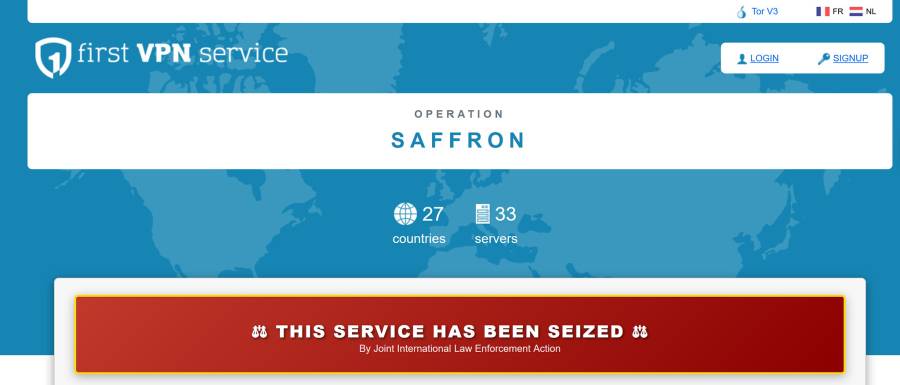
Police Shut Down Criminal VPN Service Used by Ransomware Attackers
A major VPN service used by cybercriminals to hide their identities has been taken down. This is good news for your family's online safety.
2 min read