
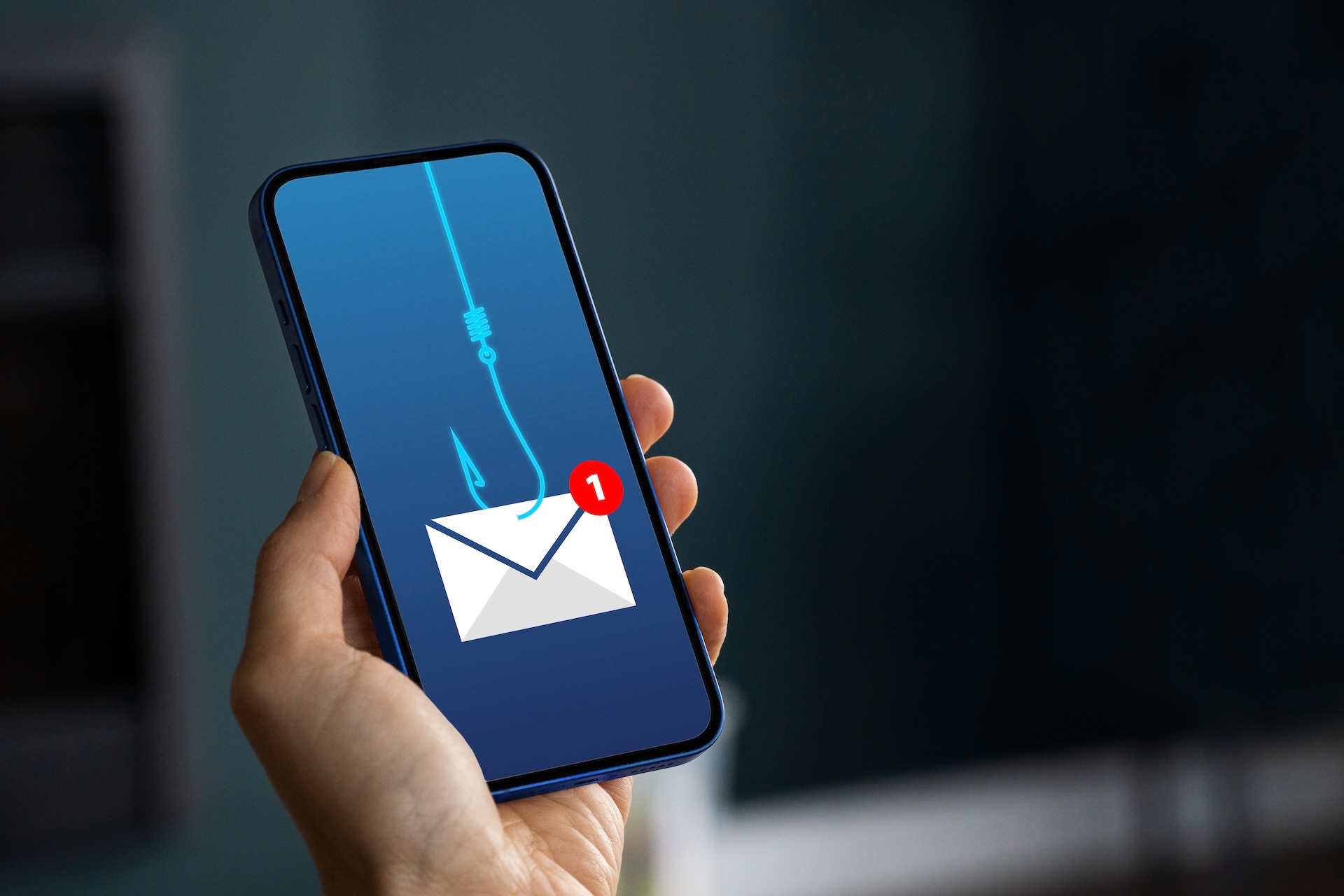
New Email Scam Service Makes Fake Business Emails Look Real
Security researchers found a service called ARToken that helps criminals create convincing fake emails that look like they come from your boss or coworkers.
Source
CyberScoop
Original headline: This phishing kit looks more like BEC-as-a-service
Plain-English summary by GetCyberRight. Read the full report at the source above.
Cisco Talos security researchers discovered a new phishing service called ARToken. This service lets criminals easily create fake emails that appear to come from legitimate business contacts. It works like a toolkit that scammers can rent, similar to how you might rent software. The service is related to another scam toolkit called EvilTokens. This affects anyone with a work email address or who communicates with businesses via email. The criminals using ARToken can make emails that look exactly like they come from your company's CEO, your manager, or a trusted vendor. These fake emails often ask you to click links, share passwords, or send money. Because the emails look so real, they are much harder to spot than typical spam.
Here is what you should do right now. First, never click links in emails that ask for urgent action, especially involving money or passwords. Instead, close the email and contact the person directly using a phone number or email address you already have saved. Second, if you get an unusual request from your boss or coworker via email, verify it through another channel like a phone call or text message before taking action. Third, check email addresses carefully. Hover your mouse over the sender's name to see the actual email address, which might be slightly different from the real one. For long term protection, talk to your family members about verifying requests before acting on them.
Stay one step ahead of scammers
Weekly cybersecurity briefings for families. No spam, just the threats that matter and what to do about them.
Make it a household rule that anyone can double check suspicious messages without feeling awkward.
If you own a business or manage employees, set up a policy that requires verbal confirmation for any financial transfers or password changes requested by email. Enable two factor authentication on all email accounts to make it harder for scammers to break in even if they steal a password.
Curated from trusted cybersecurity sources by GetCyberRight
Source: CyberScoopStay ahead of cyber threats
Get our free weekly digest. Real threats, plain language, what to do about them. No spam, ever.
More articles
Major Security Flaw Exposed 75,000 Business Firewalls. Here's Why It Matters to You
A security flaw called FortiBleed left 75,000 firewalls vulnerable. If your employer, school, or service provider uses Fortinet, your data may be at risk.
2 min readMajor Security Flaw Left 75,000 Business Firewalls Wide Open
A security problem called FortiBleed exposed business networks for years. If your workplace uses Fortinet systems, ask IT about updates.
2 min read
If Your Business Uses Fortinet Security Software, Take Action Now
Criminals stole login credentials from Fortinet security systems and are using them to break into business networks and install ransomware.
2 min readMassive Password Theft Campaign Targets Business Security Systems
Criminals stole credentials from Fortinet security systems to prepare for ransomware attacks. If your workplace uses Fortinet, discuss security updates with your IT team.
2 min read