
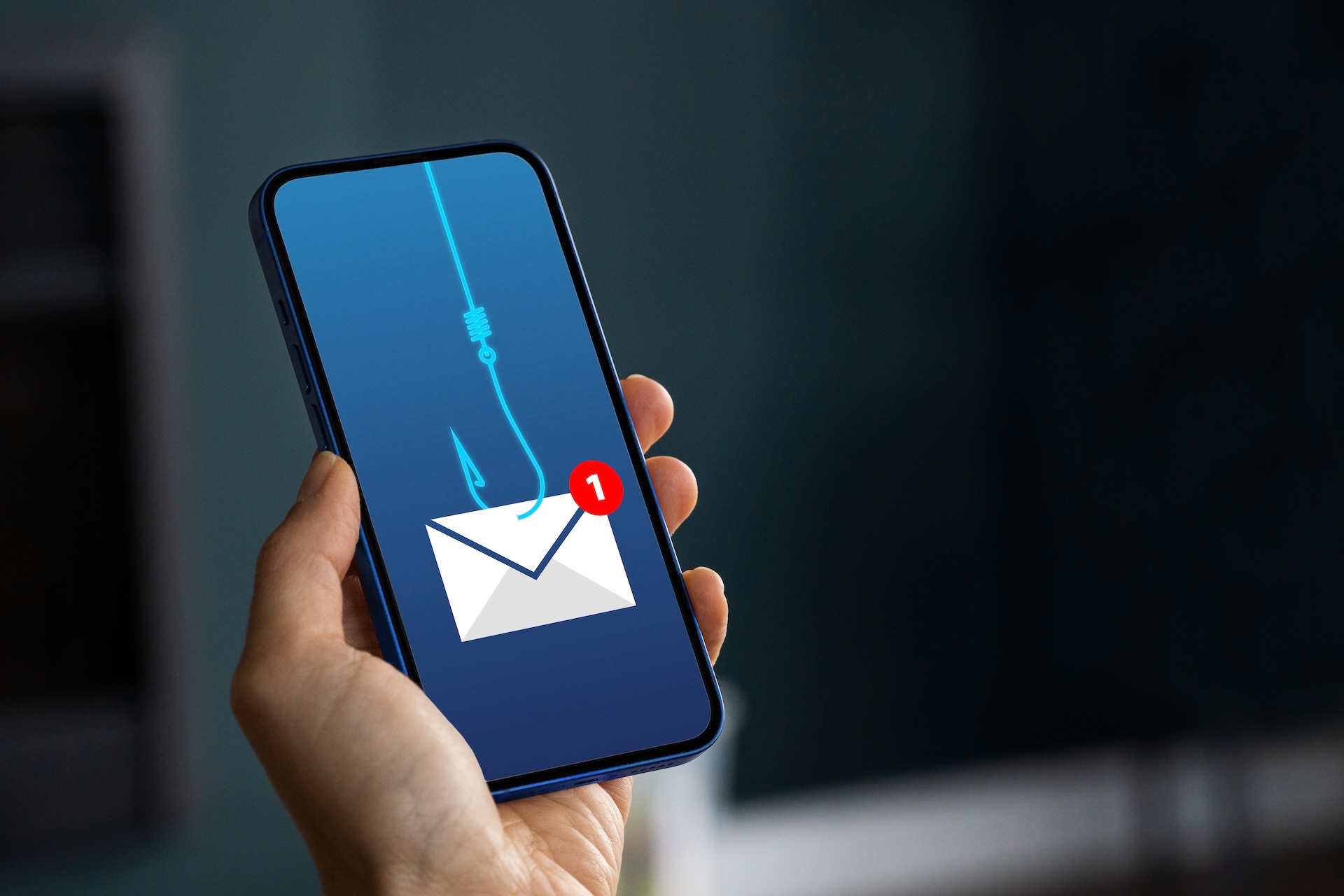
New Email Scam Tool Makes Fake Business Messages Look More Real
Criminals are using a new phishing service called ARToken that makes their fake emails harder to spot, even for careful readers.
Source
CyberScoop
Original headline: This phishing kit looks more like BEC-as-a-service
Plain-English summary by GetCyberRight. Read the full report at the source above.
Researchers at Cisco Talos have discovered a new phishing tool called ARToken that helps criminals create more convincing fake emails. This tool is related to another service called EvilTokens. These services work like a criminal subscription model, where scammers pay to use sophisticated tools that make their phishing emails look more legitimate and harder to detect. This affects anyone with an email address, but especially people who handle money or sensitive information at work. Business email compromise scams often target employees who can authorize payments, access company accounts, or share confidential data. The emails may look like they come from your boss, a coworker, or a trusted vendor asking you to take urgent action.
Here's what you should do to protect yourself. First, never click links or download attachments from unexpected emails, even if they look like they're from someone you know. Second, if you receive an email asking you to send money, share passwords, or take urgent action, verify it through a different method. Call the person directly using a phone number you already have, not one provided in the email. Third, hover your mouse over links before clicking to see where they really go. The display text might say one thing, but the actual destination could be completely different. Develop a habit of being suspicious of urgent requests via email. Criminals count on you acting quickly without thinking. Teach everyone in your family to pause and verify before taking action on any email that asks for personal information, money, or account access. Enable two factor authentication on all your important accounts so that even if a criminal gets your password, they still can't get in. These simple habits will protect you from most phishing attempts, regardless of which tools the criminals are using.
Curated from trusted cybersecurity sources by GetCyberRight
Source: CyberScoopStay ahead of cyber threats
Get our free weekly digest. Real threats, plain language, what to do about them. No spam, ever.
More articles

Major Security Flaw Exposed 75,000 Business Firewalls. Here's Why It Matters to You
A security flaw called FortiBleed left 75,000 firewalls vulnerable. If your employer, school, or service provider uses Fortinet, your data may be at risk.
2 min readMajor Security Flaw Left 75,000 Business Firewalls Wide Open
A security problem called FortiBleed exposed business networks for years. If your workplace uses Fortinet systems, ask IT about updates.
2 min read
If Your Business Uses Fortinet Security Software, Take Action Now
Criminals stole login credentials from Fortinet security systems and are using them to break into business networks and install ransomware.
2 min readMassive Password Theft Campaign Targets Business Security Systems
Criminals stole credentials from Fortinet security systems to prepare for ransomware attacks. If your workplace uses Fortinet, discuss security updates with your IT team.
2 min read