
Smart Locks Can Fail When You Need Them Most: Here's How to Prepare
A cybersecurity expert got locked out of his own home after a long trip when his smart lock batteries died. This can happen to anyone with smart home devices.
Source
Troy Hunt
Original headline: Weekly Update 512: IoT Lockout Fail
Plain-English summary by GetCyberRight. Read the full report at the source above.
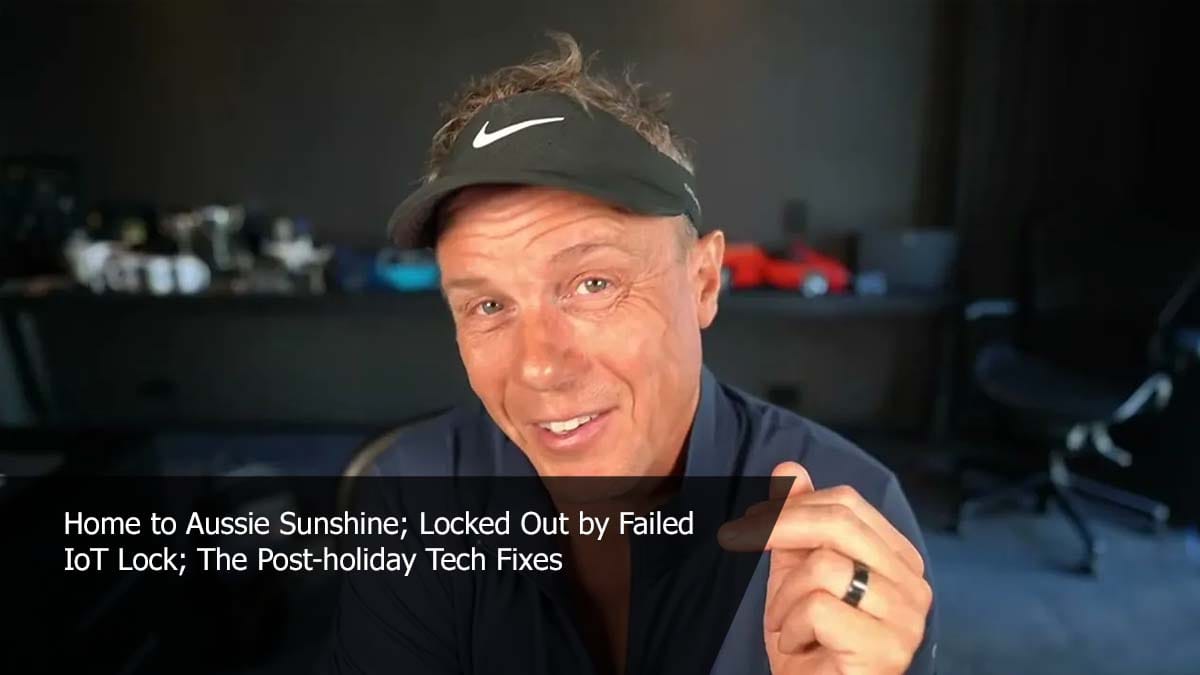
Troy Hunt, a well-known cybersecurity expert, arrived home after 33 hours of travel from Paris only to find himself locked out. His IoT (Internet of Things) smart door lock had run out of battery power at 11 PM, leaving him stranded outside his own house. This real-world failure shows that smart home devices can create problems at the worst possible times.
If you have any smart locks, smart thermostats, video doorbells, or other battery-powered smart home devices, you could face this same situation. The problem is especially serious with smart locks because they control your ability to get into your home. When batteries die, many smart locks stop working completely, and you might not get enough warning to replace them in time.
Stay one step ahead of scammers
Weekly cybersecurity briefings for families. No spam, just the threats that matter and what to do about them.
Here is what you should do right now to prevent getting locked out:
- Check the battery level on all your smart locks today. Most smart lock apps show battery status.
- Replace batteries before they hit 20% capacity, not when they are almost dead.
- Keep spare batteries in your car, wallet, or give a set to a trusted neighbor.
- Make sure you have a backup key hidden somewhere safe outside, or leave one with a nearby friend or family member.
- Test your backup entry method regularly to confirm it still works. For long-term protection, never rely completely on smart technology for critical home functions. Always maintain a traditional backup option. Keep physical keys accessible, and consider smart devices with low-battery alerts that give you plenty of warning. Check all your smart home devices monthly, including locks, cameras, and sensors, to make sure they are working properly and have fresh batteries.
Curated from trusted cybersecurity sources by GetCyberRight
Source: Troy HuntStay ahead of cyber threats
Get our free weekly digest. Real threats, plain language, what to do about them. No spam, ever.
More articles

Amazon Billing Error Shocked Customers with Billion-Dollar Bills
Some Amazon Web Services customers saw incorrect bills claiming they owed billions of dollars. Amazon is fixing the bug that caused these wrong estimates.
2 min readAmazon Billing Error Showed Some Customers Owe Billions. Here's What It Means for You
Some Amazon Web Services customers saw shocking bills claiming they owed billions of dollars due to a software bug. Amazon is fixing the error.
2 min read
Ukraine Appoints New Acting Defense Minister
Ukraine's president has appointed a new acting defense minister. This is a government leadership change in Ukraine, not a cybersecurity threat to families.
2 min readUkraine Appoints New Defense Minister: No Action Needed for Families
Ukraine's president appointed a new acting defense minister with intelligence and counterterrorism experience. This is international news, not a cybersecurity threat.
1 min read