

A Smarter Way to Use AI: Let It Write Tools Instead of Touching Your Files
Instead of uploading your private documents to AI services, you can ask AI to create simple programs that work on your own computer.
Source
ZDNet Security
Original headline: I had ChatGPT build me a free PDF editor because I didn't trust it to change my files - it worked!
Plain-English summary by GetCyberRight. Read the full report at the source above.
A technology writer discovered a clever way to use AI tools like ChatGPT without risking your private files. Instead of uploading a document to an AI service to edit or convert it, which means sending your private information to a company's servers, he asked ChatGPT to write a simple computer program that could handle the task locally on his own computer. In this case, he needed a PDF editor and had ChatGPT create one that worked entirely on his machine. The entire process took less time than making dinner. This approach helps anyone who needs to use AI for working with sensitive documents but is uncomfortable uploading private files to cloud services. When you upload a document to an online AI service, that company potentially has access to everything in that file. This could include personal information, financial records, medical documents, or confidential work files. By having AI write software that runs on your computer instead, your files never leave your device.
Here is how to try this safer approach. First, identify a simple task you want to accomplish, like converting a file format or editing a document type. Second, instead of uploading your file to an AI service, ask the AI to write a program that can perform that task. Third, copy the code the AI provides and save it as instructed. Fourth, run the program on your own computer with your file. You may need to ask the AI for help if you encounter errors, but your actual document stays private throughout the process. This technique works best for straightforward tasks and requires some comfort with following technical instructions. Not every task needs this level of privacy protection, but for sensitive documents, this approach gives you the benefits of AI assistance without the privacy tradeoffs. As you become more familiar with AI tools, always ask yourself whether your information needs to leave your device or if there is a safer alternative.
Curated from trusted cybersecurity sources by GetCyberRight
Source: ZDNet SecurityStay ahead of cyber threats
Get our free weekly digest. Real threats, plain language, what to do about them. No spam, ever.
More articles
Nightmare Eclipse incident shows the researcher-vendor fights may never fully go away
When a researcher went public with Microsoft vulnerabilities, it laid bare a conflict that has never really been solved. The post Nightmare Eclipse incident shows the researcher-vendor fights may neve
1 min readMicrosoft Vulnerability Debate Highlights Security Research Tensions
A researcher publicly disclosed Microsoft security flaws, sparking industry debate. Microsoft users should keep their systems updated as always.
2 min read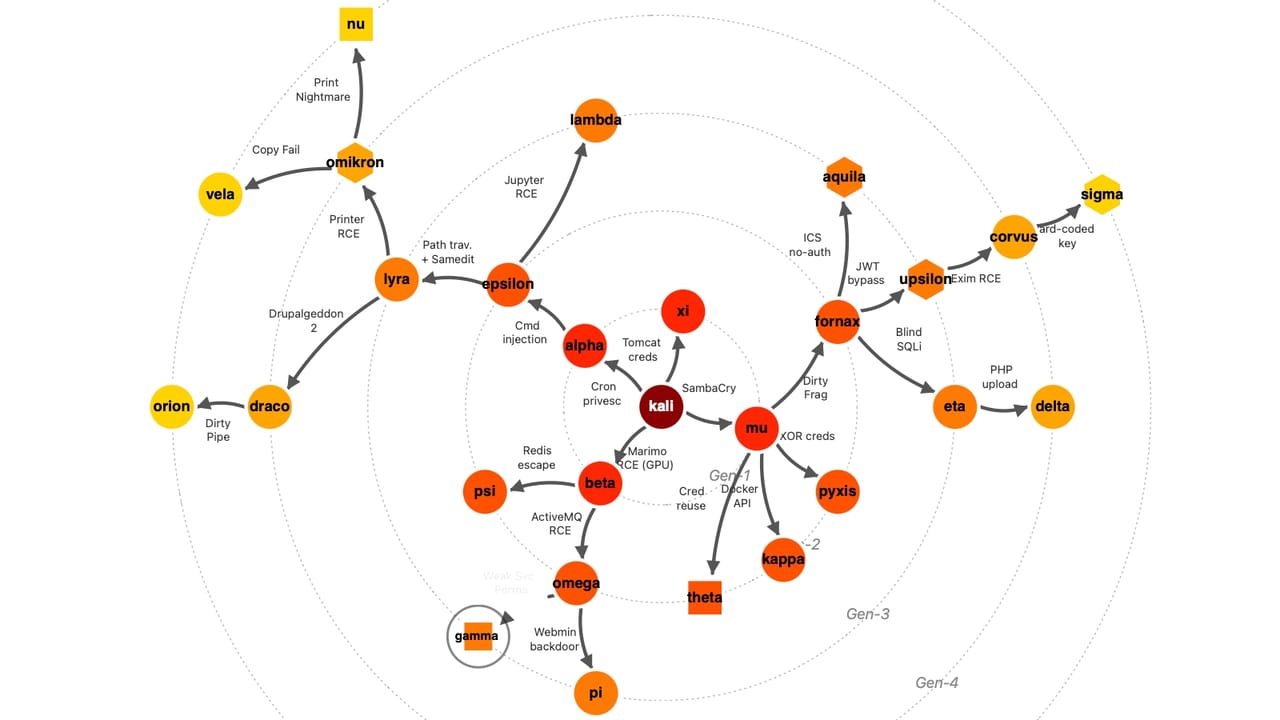
AI Worms Are Real Now: What Families Need to Know
Researchers have created a working AI worm that thinks for itself. Enterprise attacks are expected within a year, and your family's digital life could be affected.
3 min readYou Can Ask AI to Build Simple Tools Instead of Uploading Your Files
A tech writer discovered a smarter way to use AI: instead of uploading sensitive documents to ChatGPT, he asked it to write software that works on his computer.
2 min read