
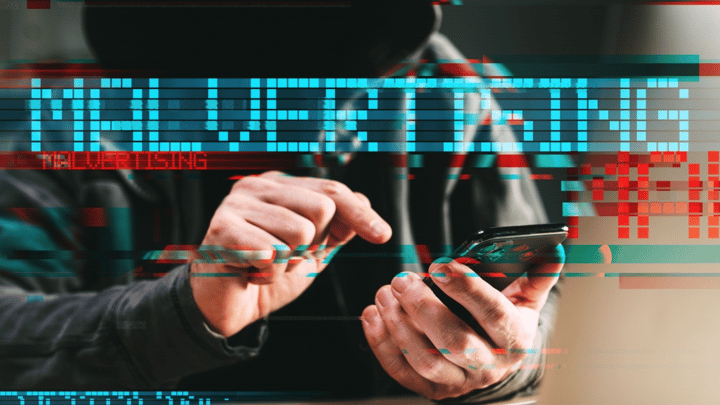
Free Software Downloads Could Steal Your Passwords and Slow Your Computer
Criminals are using fake ads for pirated software to install malware that steals personal information and hijacks your computer to mine cryptocurrency.
Source
Dark Reading
Original headline: Vidar Infostealer Hammers SMBs via Malvertising Campaign
Plain-English summary by GetCyberRight. Read the full report at the source above.
Cybercriminals are running an advertising campaign targeting people who search for cracked or pirated software online. When someone clicks these deceptive ads looking for free versions of normally paid programs, they instead download malware called Vidar Infostealer.
This malicious software does two harmful things at once. It steals passwords, banking information, and personal data from your computer. It also installs cryptomining software that uses your computer's power to make money for the criminals, slowing down your device significantly.
Stay one step ahead of scammers
Weekly cybersecurity briefings for families. No spam, just the threats that matter and what to do about them.
This threat affects anyone tempted to download free or pirated versions of expensive software, games, or applications. Small business owners and families looking to save money on software costs are particularly vulnerable. If someone in your household has downloaded cracked software recently, your passwords, credit card numbers, saved login information, and personal files may have been stolen.
You might also notice your computer running slowly, overheating, or the fan running constantly because cryptomining software consumes significant processing power. If anyone in your family has downloaded pirated or cracked software, act immediately.
- Run a full scan using reputable antivirus software like Windows Defender, Malwarebytes, or another trusted security program.
- Change all important passwords, starting with email, banking, and any accounts with saved payment methods. Do this from a different device if possible.
- Check your bank and credit card statements for unauthorized charges.
- Monitor your accounts closely for the next few months and consider placing a fraud alert with credit bureaus.
- Remove any cracked or pirated software from all devices. Protect your family long term by finding legitimate alternatives to expensive software. Many professional programs offer free versions for students or personal use. Free alternatives like LibreOffice, GIMP, and others provide similar features to expensive software without security risks. Teach family members, especially teens, that pirated software always carries serious risks. The money saved is never worth the potential cost of identity theft, stolen banking information, or a compromised computer. When software seems too expensive, look for student discounts, free trials, open source alternatives, or subscription services that spread costs over time.
Curated from trusted cybersecurity sources by GetCyberRight
Source: Dark ReadingStay ahead of cyber threats
Get our free weekly digest. Real threats, plain language, what to do about them. No spam, ever.
More articles
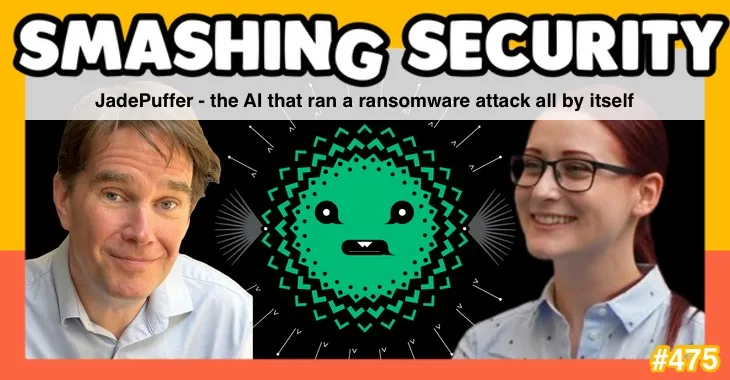
Artificial Intelligence Now Running Cyberattacks on Its Own
Researchers documented the first AI system that planned and executed a ransomware attack without human guidance. This represents a new threat.
2 min readAI Runs First Fully Automatic Ransomware Attack: What Parents Need to Know
Researchers documented an AI system that carried out a complete ransomware attack by itself, raising concerns about future cyber threats.
2 min read
Fake Payment Apps Steal Information: Check If You're Affected
Scammers created fake versions of payment software to steal login credentials. If you or family members use payment apps, read this carefully.
2 min readFake Payment App Tools Stealing Information From Developers
Criminals created fake software tools that appeared to be from legitimate payment services like Paysafe and Skrill, targeting software developers with malware.
2 min read